On this page
You return to a project after a week away. The deadline has moved, a supplier has changed its quote, and someone has already rejected the obvious solution. Before an AI assistant can help, you have to reconstruct the story.
That repeated briefing is the problem personal agents promise to reduce. Meta Muse and ChatGPT dots bring memory, application access and continuing work into a more persistent relationship. But continuity changes the cost of a mistake: a bad assumption can survive the conversation that created it. The agent age brings a harder question than whether an assistant can finish a task: can you understand and correct the system that keeps acting for you?
1. What changes when the conversation continues
An ongoing agent could help a founder revisit a launch plan without rebuilding every constraint, or help a knowledge worker prepare a weekly briefing that reflects last week's decisions. These are useful ambitions because much work consists of returning, checking and adjusting.
The product direction is visible in Meta's introduction of Muse and OpenAI's overview of dots. Their development signals attention to this problem; launches alone do not establish how many people want an always-available agent or how reliably one handles their work.
Six capabilities help make sense of the shift. Personalization adapts responses to your circumstances. Memory carries useful information forward. Application access brings in sources and tools. Execution performs authorized steps and checks the result. Portability moves useful information between systems. Model choice determines which LLM reasons about it.
They can support one another without being interchangeable. Remembering that you prefer morning meetings does not grant permission to move one. Reading a calendar does not mean monitoring it. An export does not guarantee that another system will interpret its contents correctly.
2. Meta Muse: memory connected to action
Muse is Meta's personal-agent product; Muse Spark is the model family, not another name for the agent. Meta describes Muse as working in a dedicated cloud computer, using a browser and connected services, and continuing longer tasks after the user closes the app. Its launch examples include travel arrangements and ongoing personal goals. These are company-described capabilities, not results from our own test. Meta's product announcement
The business scope is also broad. Meta's small-business announcement describes research, campaign drafts, financial reviews and work across connected business tools. For a small team, the appeal is continuity between understanding a problem and producing something usable: a plan, document or proposed action.
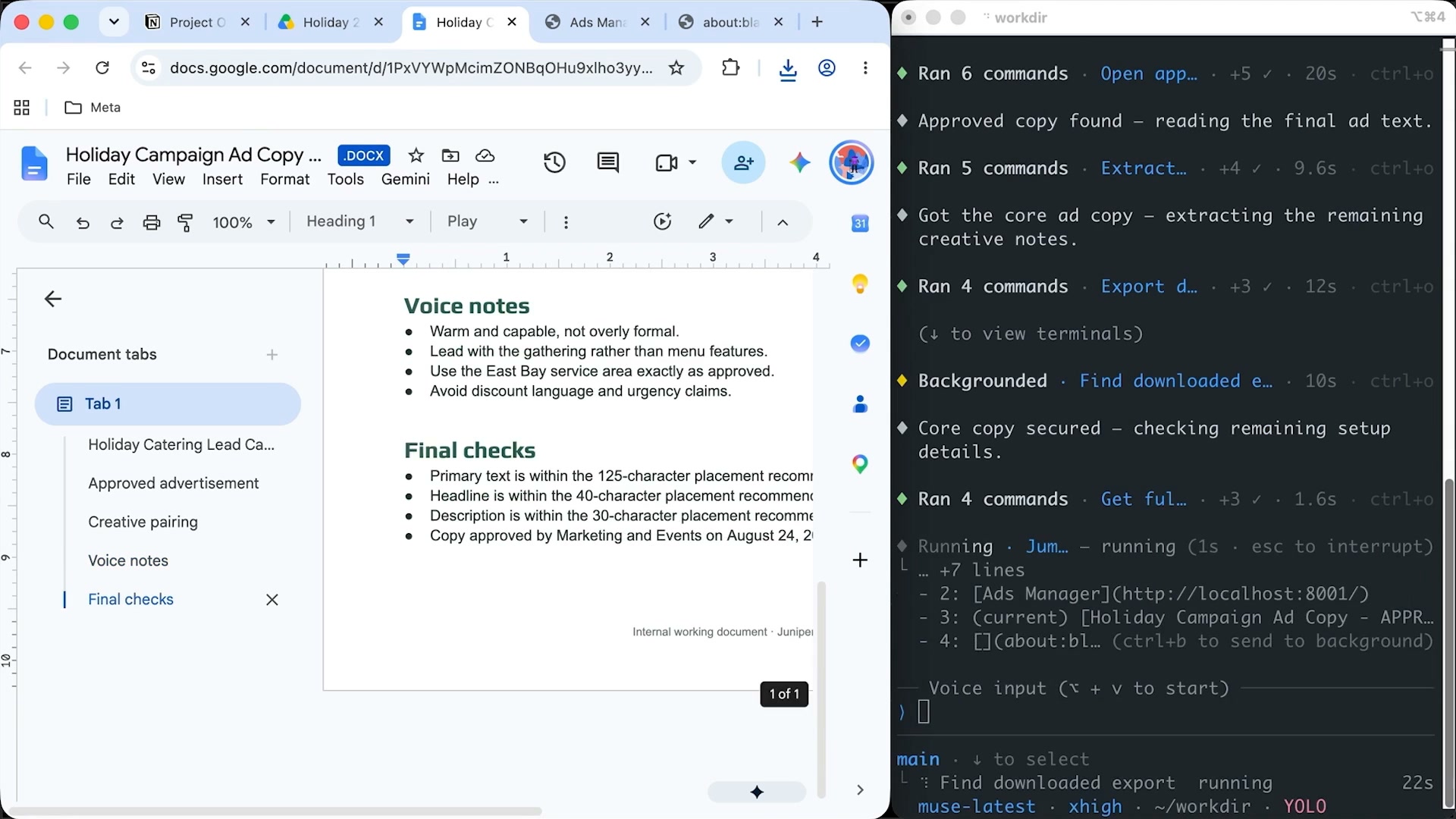
Image source: Meta’s Muse Spark 1.3 announcement. The model and the Muse agent are distinct products; this demonstration should not be read as evidence of every feature available in Muse.
2.1 Memory you can inspect and correct
Meta documents a file-based memory system informed by conversations, observed preferences and connected services. Users can inspect and edit what Muse remembers. It also accepts a ZIP export of another assistant's conversation history. Muse personality and memory
That gives a user ways to correct the agent's picture of them. A preference inferred from a one-off deadline should not quietly become a permanent rule. Imported history can help establish context, but it may also carry old assumptions. The relevant test is whether the agent uses the right information for today's decision.
2.2 Permissions and privacy are separate questions
Muse approvals can cover one action, a whole task, a website or future actions through a connector. It would therefore be inaccurate to say every action always requires a fresh confirmation. Review depends on the permission settings and scope granted. Guidance and approval
Disconnecting a connector stops future exchange; information already used may remain in memory or conversation history. Meta separately documents downloading chats, files and other agent information. Neither disconnection nor export, on its own, demonstrates complete erasure or seamless migration. Connectors, managing Muse data
As checked on September 30, Meta says Muse conversations and VM data are not shared with its advertising systems. Its help page also says model-improvement consent is initially enabled and can be switched off. Confidential VM remains described as a future option; those additional protections should not be presented as available today. These are Meta's documented statements, not an independent security assessment. Privacy and security
3. ChatGPT dots: continuing responsibilities
OpenAI describes dots as persistent agents with their own cloud computer and browser. They can use connected applications and, when authorized, coordinate work on a personal computer. Cloud work can continue while your device is off; steps using that device require it to be available. Computers and apps
This can make delegation more practical. You might give an agent a research responsibility, continue discussing priorities, and review the resulting documents later. A useful assignment specifies the desired result, relevant sources and circumstances that need a decision. “Keep helping with the launch” leaves much more room for interpretation than a defined responsibility.

Image source: OpenAI’s Meet dots page.
3.1 Context, memory and notes
Dots distinguish the current conversation context, relevant ChatGPT memory and the dot's own persistent notes. Those notes can retain preferences, decisions and responsibilities; they are not a complete transcript. New delegated tasks receive selected context, rather than automatically inheriting every conversation. Tasks and memory
This distinction matters when correcting a mistake. Updating one memory setting is not necessarily the same as changing notes already retained elsewhere. Nor should disconnecting an application be assumed to erase information already included in conversations or notes. Access and retention need separate attention.
3.2 Ongoing work needs a defined scope
Dots can delegate background work and manage recurring assignments. Fixed recurring work needs a saved schedule; connecting an app does not itself create a monitoring task. OpenAI describes proactive research as read-only, while separately authorized assignments can take actions. Task types and scheduling
An automatic review checks actions against instructions, permissions and safety requirements. Depending on the action, it can proceed, request approval or hand a step to the user. Pausing the main task does not automatically stop delegated work or cancel future schedules. Dots controls
Local access also needs careful language. OpenAI documents cloud coordination even when tools operate on an authorized personal computer. Access to local files does not establish local-only processing. Cloud and local access
4. Where the caveats differ
| Dimension | Meta Muse | ChatGPT dots |
|---|---|---|
| Memory | Editable file-based memory | Chat context, ChatGPT memory and separate notes |
| Ongoing work | Continuing goals and scheduled tasks | Delegated work and saved schedules |
| Application access | Connectors with scoped access | Connected apps with applicable permissions |
| Approvals | Once, task, site or connector scope | Automatic review, instructions and custom rules |
| Portability | History ZIP import; agent-data export | Supported imports in the broader ChatGPT/Codex ecosystem |
| Deployment | Cloud VM; Confidential VM forthcoming | Cloud computer; authorized personal-computer access |
Sources: Muse memory, approvals, exports, privacy; dots tasks, controls, computer access.
Portability deserves a closer look. The ChatGPT desktop app supports importing certain setup and work from Claude Code, Claude Cowork and Cursor, with automatic updates for supported imported work. That is an ecosystem capability, not proof of universal shared memory through dots. Similarly, Muse's import and export features do not establish continuous synchronization with another assistant. OpenAI's import documentation
5. The caveats that matter after the demo
The larger issue is how these features interact over time. A system can remember accurately and still act on information that has expired. It can follow an approval rule and still misunderstand the task that rule covers. The following are evaluation questions raised by the documented design, not findings from a comparative product test.
Memory needs a way to become obsolete. An agent that recalls a past preference should also recognize when a newer instruction supersedes it. If a temporary deadline became a persistent note, can you see where it came from, correct it and establish which version now governs the work? The quality of personalization depends on this maintenance, not simply on how much the agent retains.
Permission needs a comprehensible boundary. Approving a task is easy to understand when the task is one email. It becomes harder when an agent delegates work, revisits it tomorrow or uses several connected services. The practical question is whether you can tell what remains authorized, what is still running and how to stop all of it. Muse’s scoped approvals and dots’ separate schedules make those distinctions consequential.
Privacy has more than one switch. Access, retention, model improvement and where processing happens are separate decisions. Disconnecting a service answers an access question; it does not necessarily settle what has already been remembered. A local tool answers a location question about that tool, not every step of the system’s processing. Clear controls should help users understand these differences without having to reconstruct the architecture themselves.
A useful history is not yet portable understanding. Files may export successfully while preferences, priorities and corrections lose their meaning in the next system. The stronger test is whether another model can use the same context appropriately—and whether you can identify what was left behind. That matters because switching costs grow as an agent accumulates more of the working knowledge behind your decisions.
Completion should be inspectable. A convincing status message is not the same as a changed document or a correctly scheduled task. An agent should leave enough evidence to check the result and surface unresolved steps. The time spent verifying and correcting its work belongs in any assessment of the time it saves.
6. What Zortex aims to do differently
Zortex’s stated aim is to separate personal context and guidance from the choice of LLM. That targets a question these agents bring into focus: should changing the reasoning model mean rebuilding its understanding of you? Rather than making this another feature race, Zortex aims to deconstruct how an agent receives context and instructions, so different models can draw on that layer.
The intended improvement is continuity across model choices. To substantiate it, Zortex would need to show that corrections carry through, context remains inspectable and connected models use it appropriately. These are ambitions and evaluation criteria, not demonstrated advantages over Muse or dots; no integration with either product is established here.
7. What to evaluate before relying on an agent
Start with five questions. Can it identify current information? Can you inspect and correct what it retains? Are the boundaries around actions clear? Does it produce useful, checked work? And if you change systems, what context can you actually take with you?
Try these questions against a real but limited responsibility. Check a changed deadline, a corrected preference and a request that exceeds the original scope. Examine how much supervision remains and whether stopping work also requires canceling schedules.
The AI agent age is beginning. Its most useful systems will need to make ongoing help easier to inspect, correct and leave—not merely easier to start.